For iPhone and iPad. On your device.
Remove background noise from your recordings.
Make voice memos, interviews and lectures easier to hear. Clean the recording, compare the result and transcribe it. Your audio stays on your device.
10 recordings free · No account · No subscription
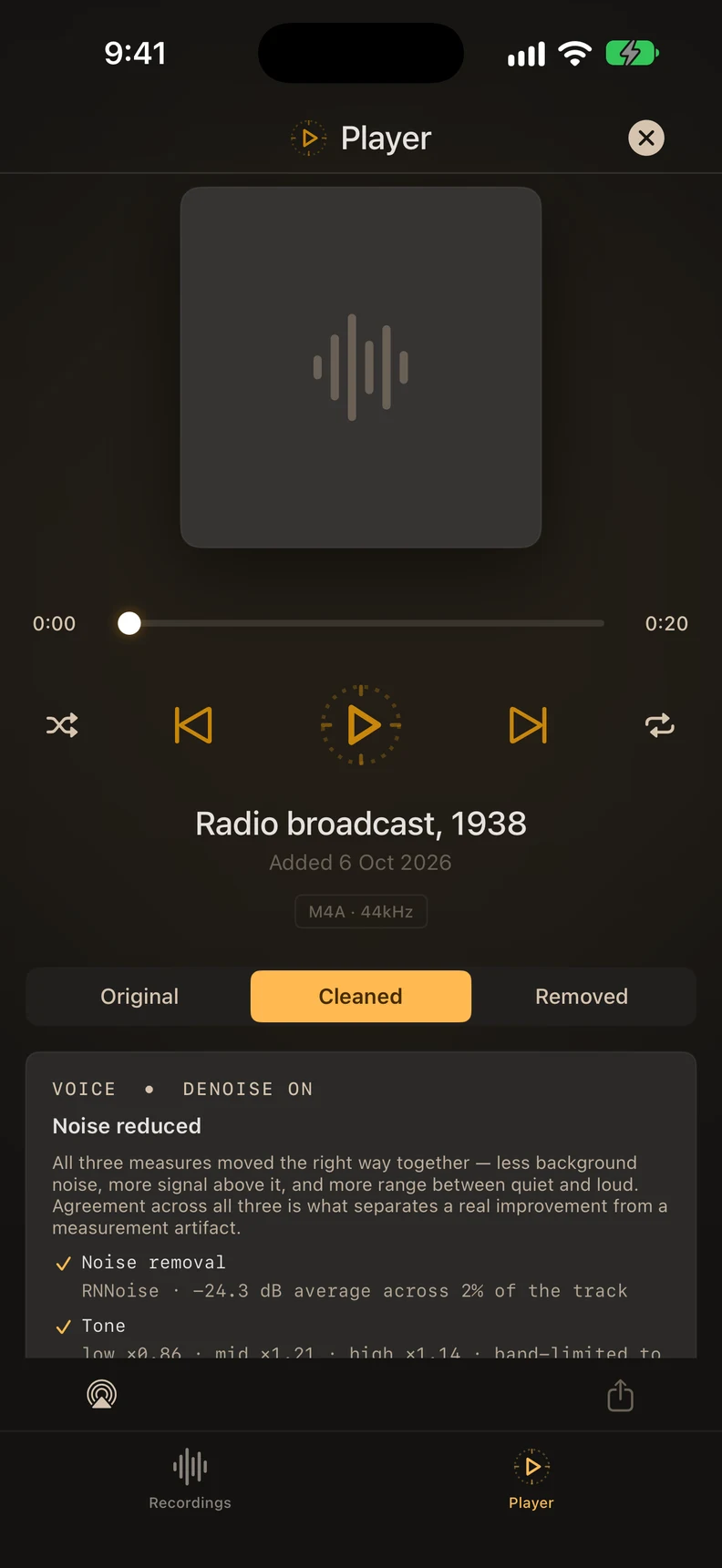
Hear the difference.
A short radio recording, before and after ARP. Both versions are matched in loudness, so you can judge the change in the sound.
Play it, then switch between Original and Cleaned.
Radio broadcast, 1938

Ready to play the original.
Original
Cleaned
Source: 1938 “War of the Worlds” CBS broadcast excerpt (archive.org, Public Domain Mark 1.0). The same sample used in ARP.
View measurements
| Measure | Original | Cleaned |
|---|---|---|
| Loudness (LUFS) | -23.7 | -23.7 |
| Signal-to-noise (dB) | 23.9 | 28.6 |
| Background (dB) | -53.5 | -58.3 |
Measured on these audio files using ARP’s speech-processing chain. Results vary with the recording.
From a noisy recording
to a file you can use.
Add
Choose a recording from Files. For a Voice Memo, share it to Files first.
Clean
Tap ARP beside the recording. Noise removal runs on your device.
Compare
Listen to Original, Cleaned and Removed. Transcribe both versions.
Export
Save the audio, copy the transcript, or export text and subtitles.
ARP checks first. If a recording is already clean, it leaves it alone and doesn’t count it against your free recordings. Recordings can be up to 3 hours long.
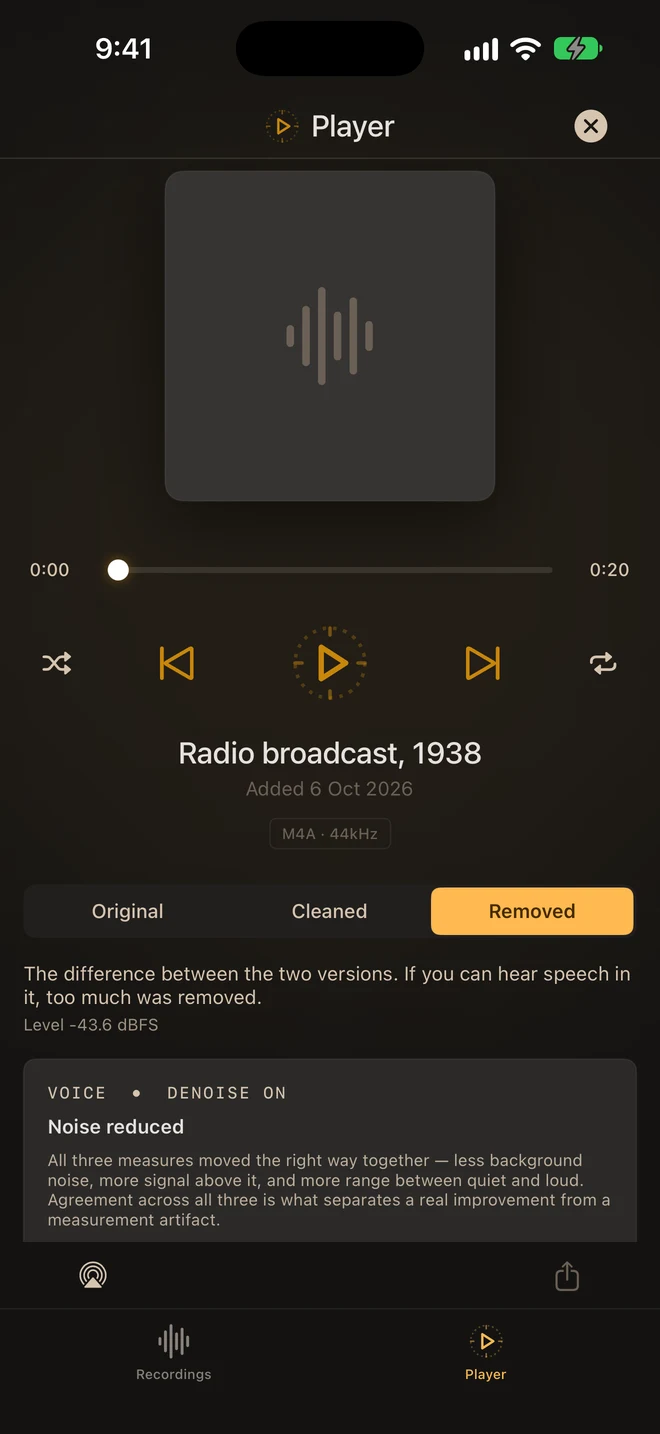
Listen to what
was removed.
Switch between your original recording, the cleaned version and the difference between them.
If you can follow speech in Removed, the processing took too much. You can hear it for yourself before choosing what to keep.
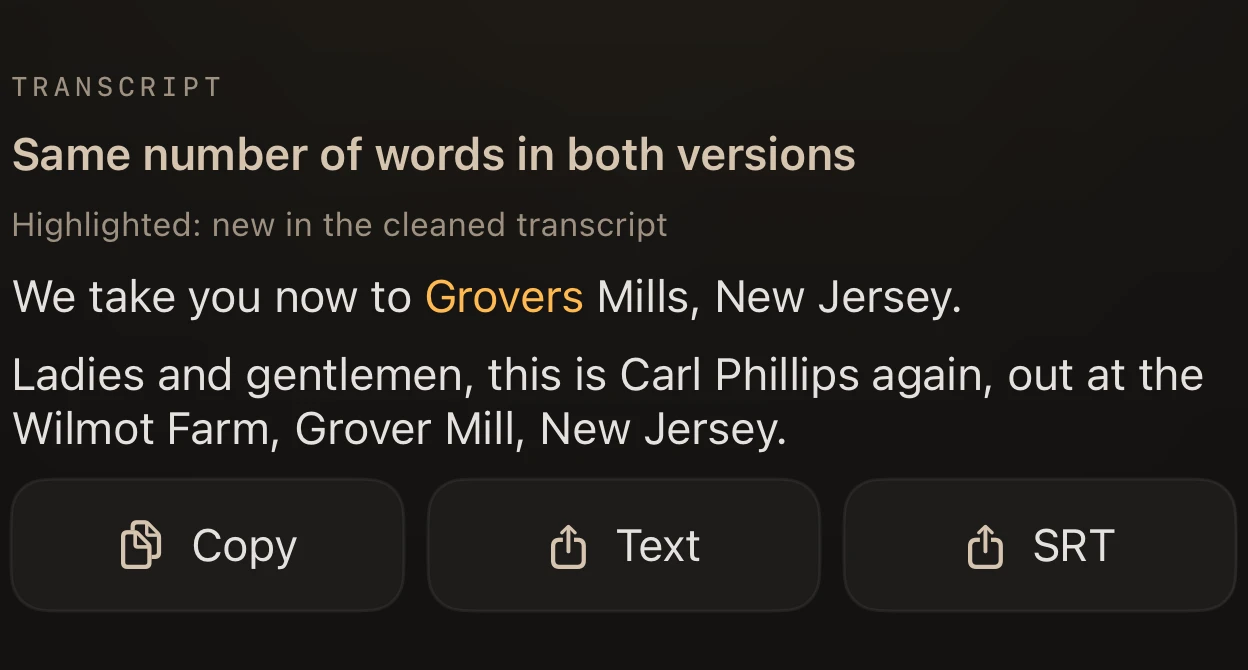
Read what was said.
Transcribe the original and cleaned recordings on your device. Switch between them, copy the words, or export TXT and SRT subtitles.
Transcripts are included with every cleaned recording. Check anything that matters against the audio.
Your recording never leaves your device.
Cleaning and transcription run on your iPhone or iPad. Your audio is never sent to ARP or Apple for processing.
The first time you transcribe, your device may download Apple’s speech model for your language. It downloads the model, not your recording.
Read the privacy policy- No accountImport a recording and get started.
- No app analytics or trackingYour recording is processed on your device.
- Keep your originalCompare before exporting the result.
Start with 10
free recordings.
Try ARP on your own audio. If you want more, Premium is a single in-app purchase through Apple.
Free
10 recordings
- On-device noise removal
- Original / Cleaned / Removed
- Transcripts, TXT and SRT
- M4A audio export
Premium
One purchase
- Everything in Free
- No limit on recordings
- 24-bit WAV export
- 24-bit AIFF export

For iPhone and iPad with iOS or iPadOS 26 or later. Apple shows your local Premium price. Exports use your recording’s own sample rate.
Before you start.
Can I use a Voice Memo?
Yes. Share or save it from Voice Memos to Files, then choose Add Recording in ARP. See the steps.
What if my recording is already clean?
ARP checks the background level before processing. If it’s already clean, nothing changes and it doesn’t use a free recording.
Can ARP fix any recording?
ARP reduces background noise in speech. It cannot recover clipped audio or reliably separate people talking over each other. Listen to the result before exporting.
Is there a subscription?
No. The first 10 recordings are free. Premium is one purchase for no limit on recordings and 24-bit WAV and AIFF export.